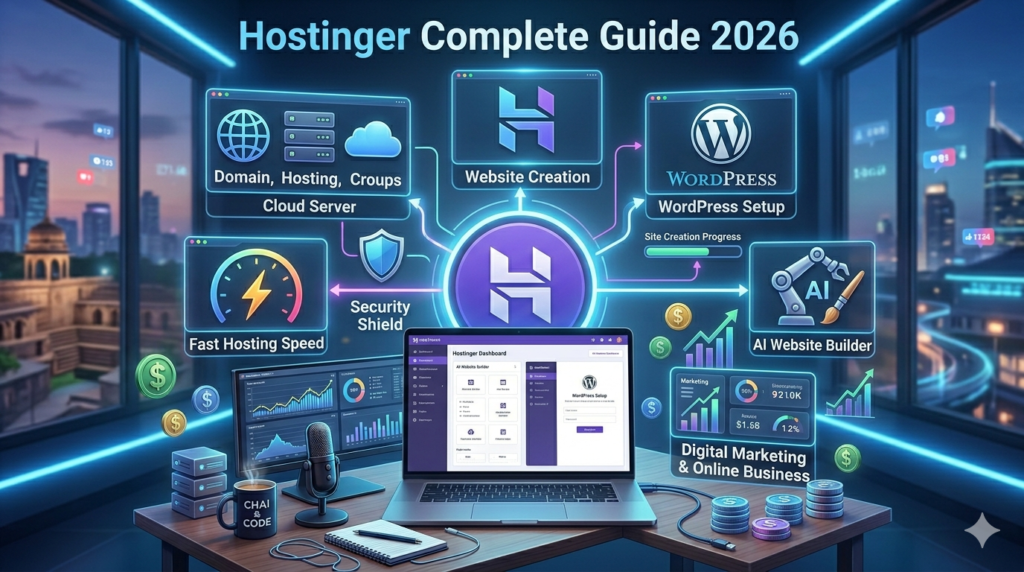
Hostinger Official Website एक popular web hosting company है जिसकी मदद से आप website, blog, online store और WordPress site बना सकते हैं। यह beginners और bloggers के लिए सबसे affordable hosting platforms में से एक माना जाता है।
Hostinger Kya Hai?
Hostinger एक web hosting service provider है जहाँ:
- आपकी website का data store होता है
- Website online चलती है
- Domain connect होता है
- WordPress install किया जाता है
अगर आप blog, business website, portfolio या online earning website बनाना चाहते हैं, तो hosting जरूरी होती है।

Hostinger Ke Main Features
| Feature | Use |
|---|---|
| Web Hosting | Website host करना |
| Free Domain | Website name |
| WordPress Hosting | Blogging |
| Email Hosting | Professional email |
| SSL Certificate | Website security |
| AI Website Builder | बिना coding website बनाना |
Hostinger Kaise Use Kare? (Step-by-Step)
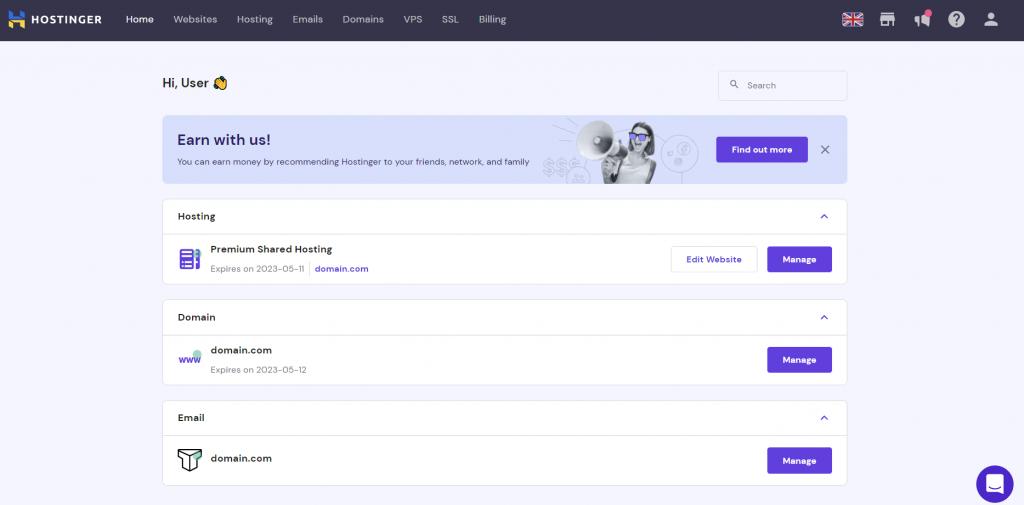
Step 1: Account Create करें
- Hostinger website open करें
- Email से signup करें
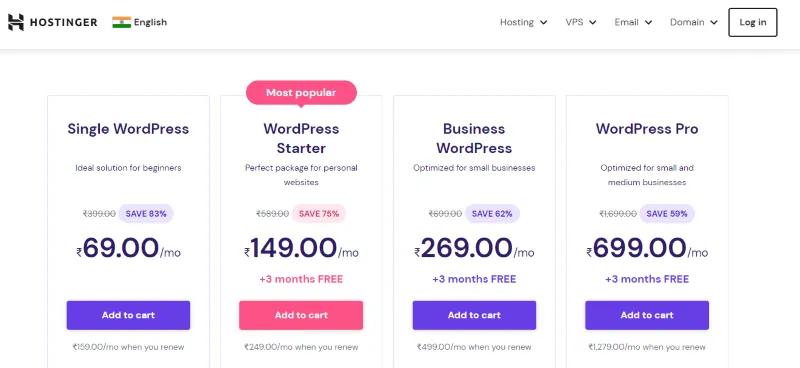
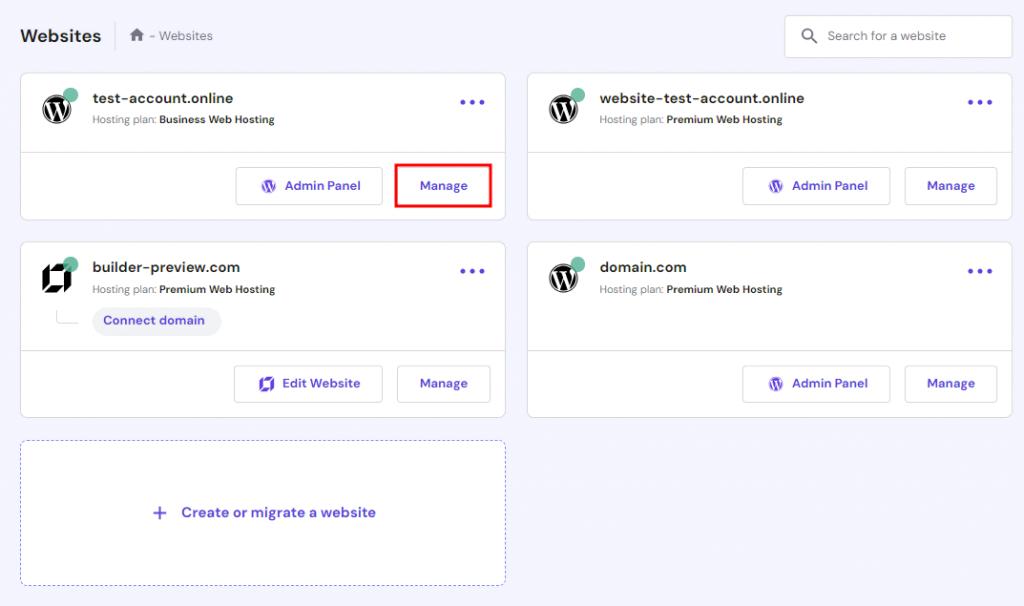
- Hosting plan choose करें
Step 2: Hosting Plan Buy करें
Popular Plans
- Single Web Hosting
- Premium Hosting
- Business Hosting
Beginners Ke Liye
Premium plan सबसे अच्छा माना जाता है।
Step 3: Domain Name Register करें
Example:
- myblog.com
- techworld.in
- computerventures.in
Tips
- Short name रखें
- Easy spelling
- Niche related keyword use करें
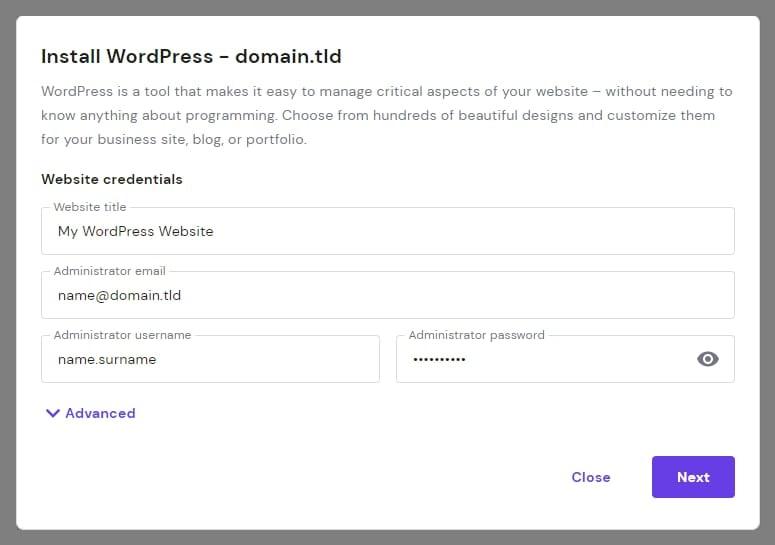
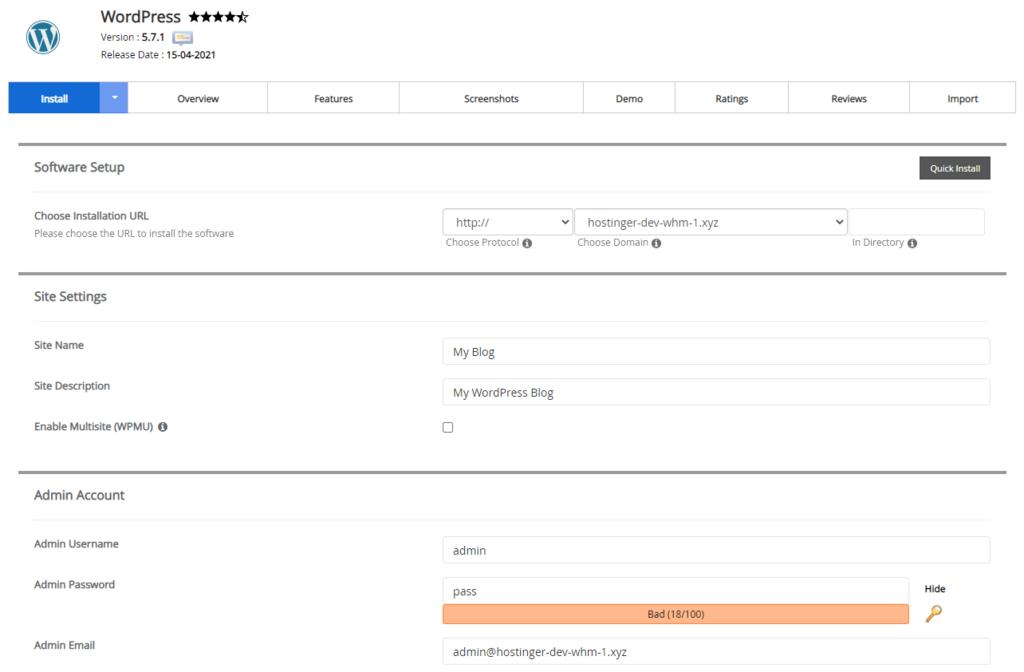
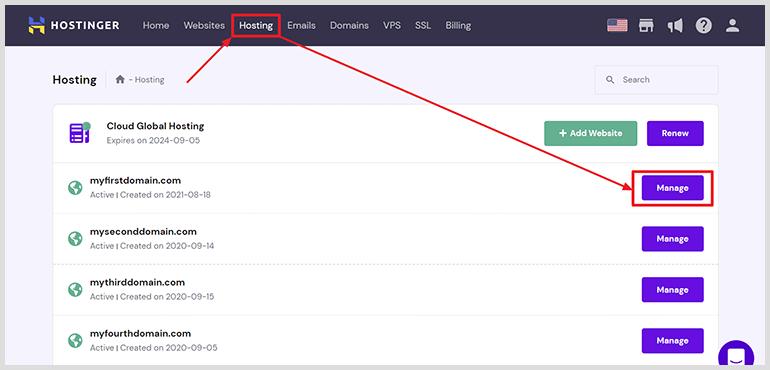
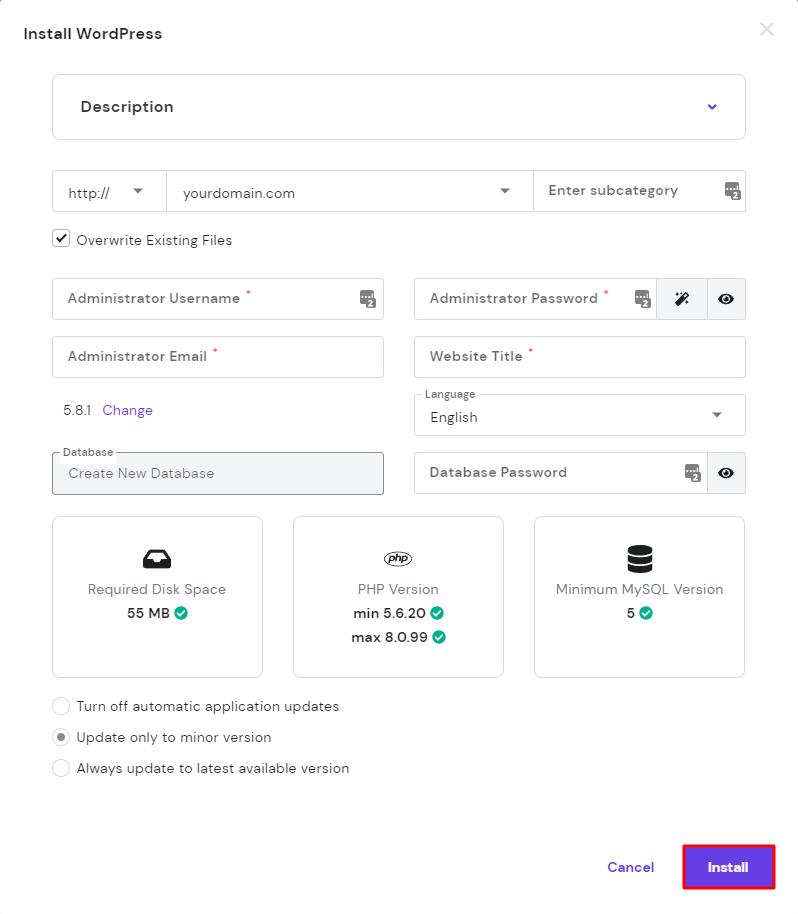
Step 4: WordPress Install करें
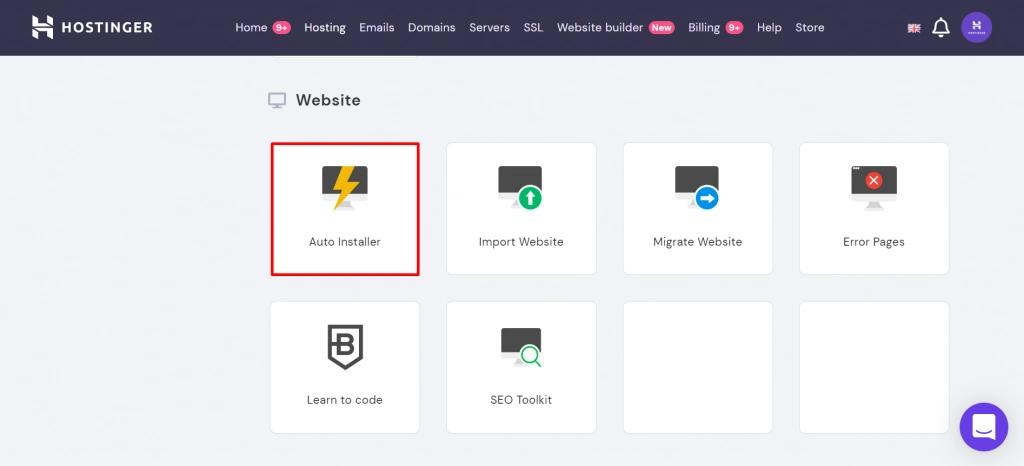
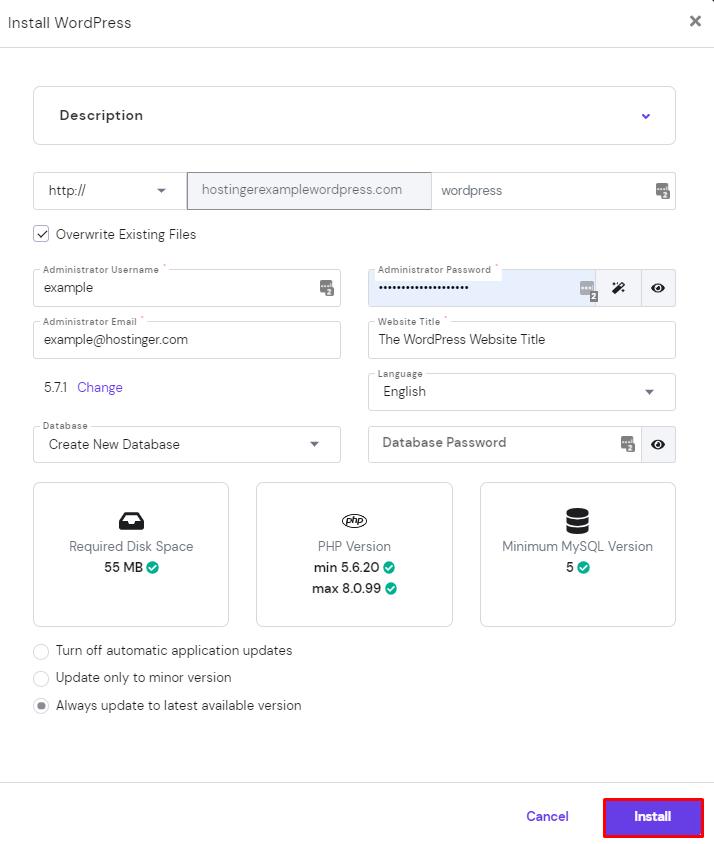
Hostinger में 1-click WordPress install option मिलता है।
Process
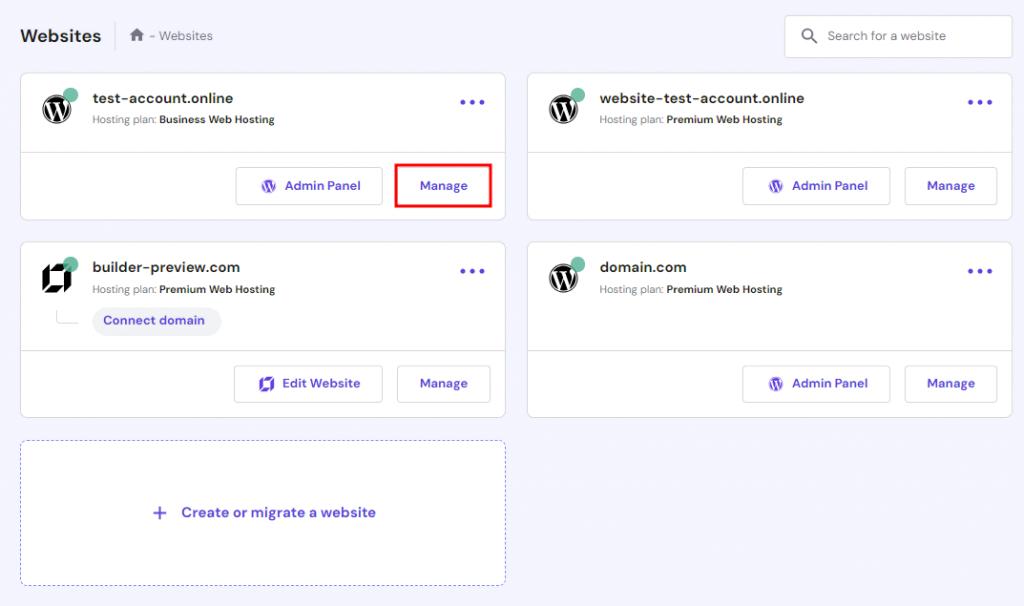
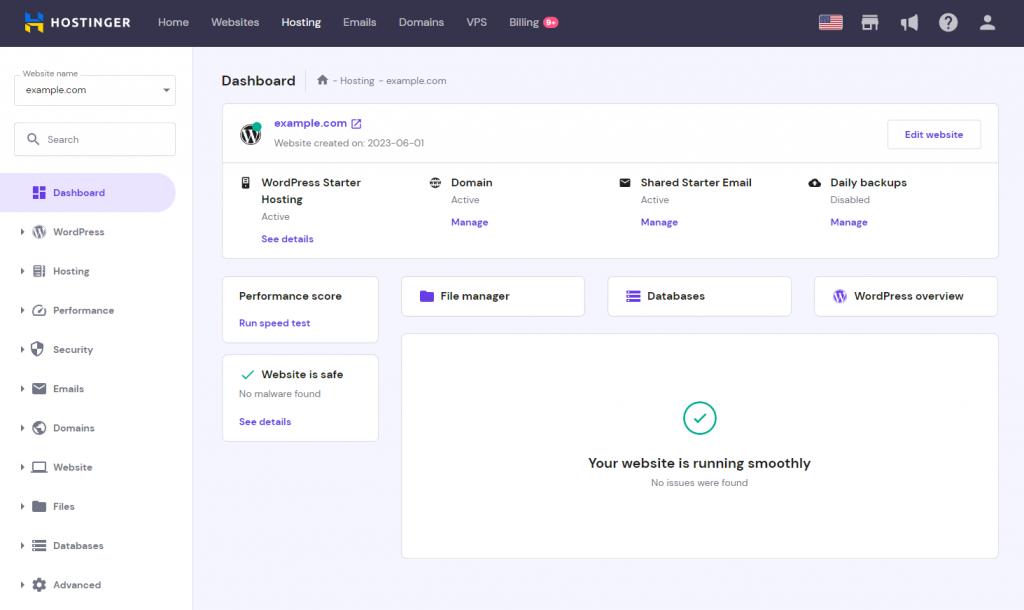
- Dashboard open करें
- Auto Installer पर जाएँ
- WordPress select करें
- Username & password बनाएं
कुछ मिनटों में website ready हो जाती है।

Step 5: Theme Install करें
Popular Free Themes
- Astra
- GeneratePress
- OceanWP
Use
- Website design
- Fast loading
- Mobile responsive layout
Step 6: Important Plugins Install करें
| Plugin | Use |
|---|---|
| Yoast SEO | SEO optimization |
| Elementor | Page design |
| LiteSpeed Cache | Speed optimization |
| WPForms | Contact forms |
Hostinger Se Website Kaise Banaye?
Blogging Website
- Articles publish करें
- Google AdSense लगाएं
- Affiliate marketing करें
Business Website
- Services showcase करें
- Leads collect करें
Ecommerce Store
- Products sell करें
- WooCommerce use करें
Hostinger AI Tools
AI Website Builder
बिना coding professional website बना सकते हैं।
AI Content Writer
Blog content generate करने में मदद करता है।
AI Logo Maker
Free logo create कर सकते हैं।
Hostinger Se Earning Kaise Kare?
1. Blogging
Google AdSense + Affiliate marketing
2. Freelancing
Clients की website बनाकर पैसे कमाएं
3. Web Design Agency
Business websites create करें
4. Ecommerce Store
Products online sell करें
Hostinger Ke Advantages
✅ Affordable pricing
✅ Beginner friendly
✅ Fast speed
✅ Free SSL
✅ Easy WordPress setup
✅ AI tools available
Hostinger Ke Disadvantages
❌ Renewal price कभी-कभी ज्यादा हो सकती है
❌ Advanced users के लिए limited developer tools
Beginners Ke Liye Best Setup
| Need | Recommended |
|---|---|
| Blogging | WordPress + Premium Hosting |
| Business Site | Business Hosting |
| Online Store | WooCommerce + Business Plan |
Hostinger Alternatives
Focus Keyphrase
Hostinger Kya Hai Aur Kaise Use Kare
SEO Tags
Hostinger, web hosting, WordPress hosting, Hostinger tutorial, website kaise banaye, blogging hosting, Hostinger review, AI website builder, domain hosting, WordPress tutorial, online business website, Hostinger India, hosting for beginners, website setup guide
Related Keywords
- Hostinger hosting kaise use kare
- Website kaise banaye
- WordPress hosting guide
- Best hosting for beginners
- Blog website setup
- Cheap web hosting India
- Hostinger WordPress tutorial
- Hosting kya hoti hai
- Domain and hosting guide
- AI website builder Hostinger